
SQL Server Tutorial
Learn how to use SQL Server starting with the basics. Create a database, add data, run queries, backup a database, restore, and more.
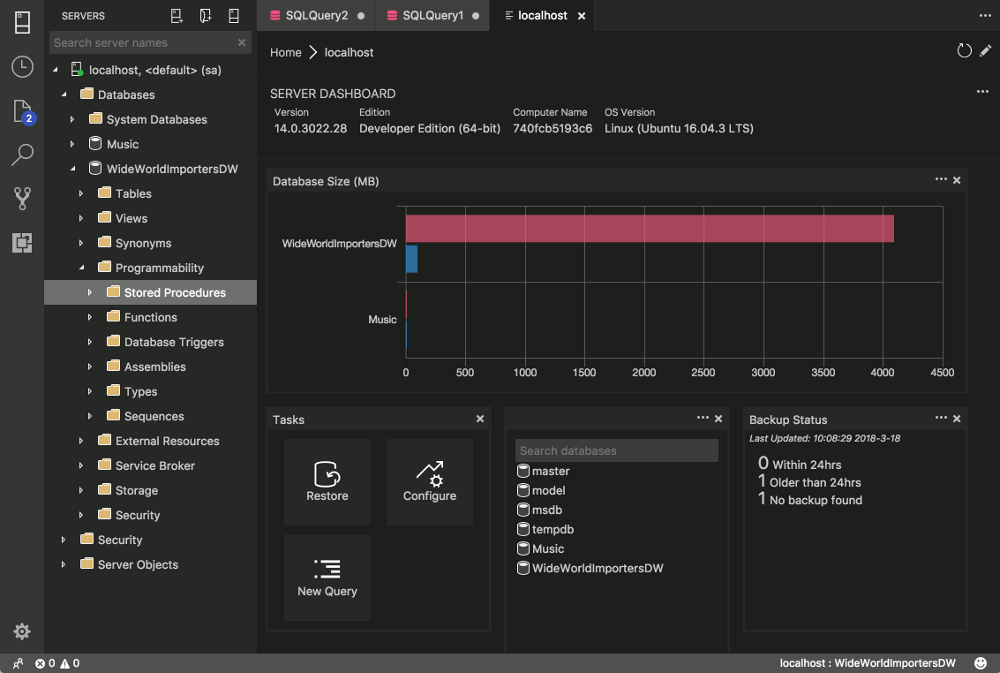
SQL Server 2017
SQL Server 2016
- SQL Server Introduction
- Install SQL Server
- SQL Server Management Studio
- Create a Database
- Create a Table
- Create a Table using SQL
- Create a Relationship
- Insert Data
- Import Data
- Query Designer
- Create a View
- View Designer
- Create a Stored Procedure
- Save Query Results to CSV File
- Create a Login
- Create a Database User
- Backup a Database
- Restore a Database
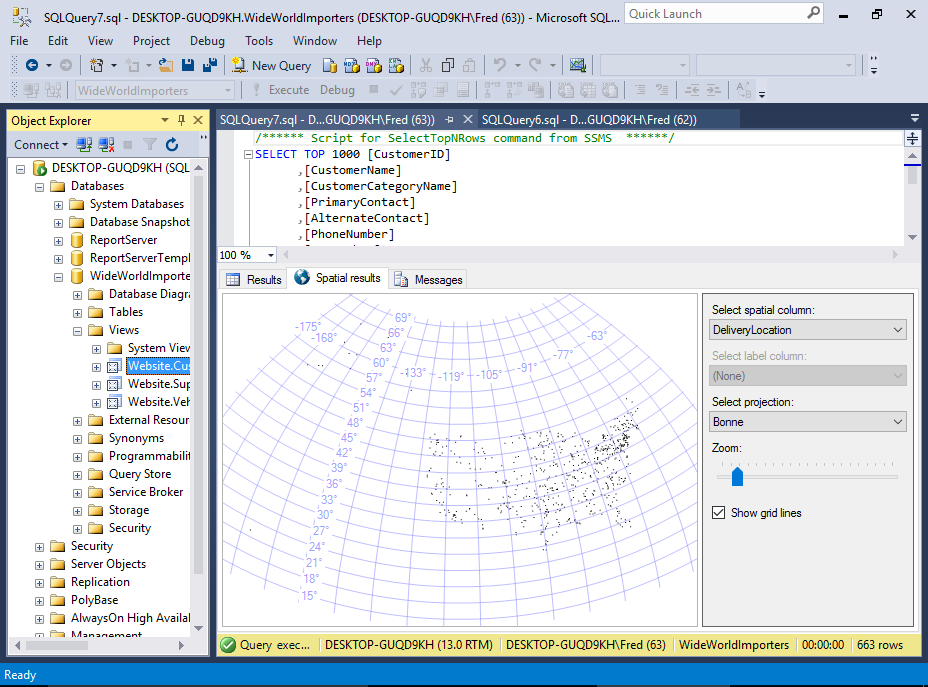
SQL Server on Mac
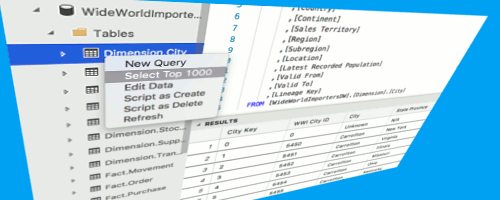
Install SQL Server on a Mac
SQL Server is now available on the Mac (starting from SQL Server 2017). This tutorial outlines all steps you need to do, from installing Docker, to installing a management tool such as sql-cli and SQL Operations Studio.

Install SQL Operations Studio on a Mac
SQL Operations Studio (SQLOPS) is a free, lightweight tool for managing SQL Server, Azure SQL Database, and Azure SQL Data Warehouse. If you've just installed SQL Server on your Mac, this is the perfect GUI tool to get you started.
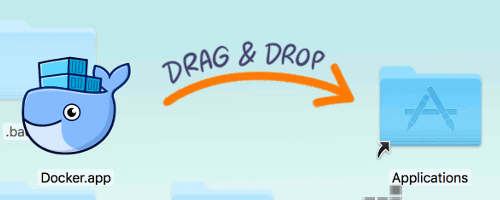
Install Docker for SQL Server on a Mac
You need to install Docker before you install SQL Server on your Mac. This is because SQL Server runs in a Docker container. This tutorial also shows you how to increase the memory allocation in Docker so that it's all set to run SQL Server.
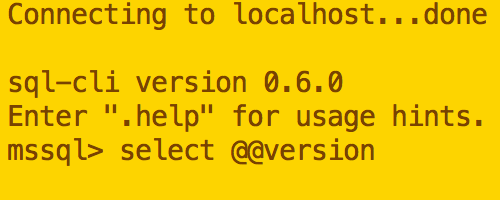
Install sql-cli on a Mac
Once you've installed SQL Server on your Mac, you'll probably want to run some queries. sql-cli is a command line tool that allows you to run SQL queries right from your Mac's Terminal window.

How to Copy a File from the Host to a Docker Container
Handy if you need to restore a database .bak file to SQL Server running inside a Docker container.
Restore a Database .bak File using SQLOPS
Use SQL Operations Studio to restore a database from a .bak file. It's all done by pointing and clicking your way through the GUI.

Install DBeaver on a Mac
DBeaver is a free GUI database management tool that you can use to manage SQL Server. This step by step tutorial shows you how to download and install it on a Mac.
Connect to SQL Server with DBeaver
Once you've installed DBeaver, you'll probably want to connect to a database. This is a step by step tutorial to get you up and running.
Older SQL Server Versions
Here are some tutorials for previous versions of SQL Server.
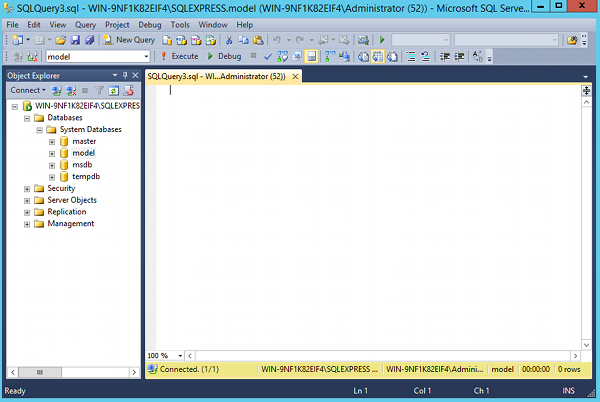
SQL Server 2014 Tutorial
SQL Server 2014 is the predecessor of SQL Server 2016.
Covers similar topics to the 2016 tutorial, but using SQL Server 2014.
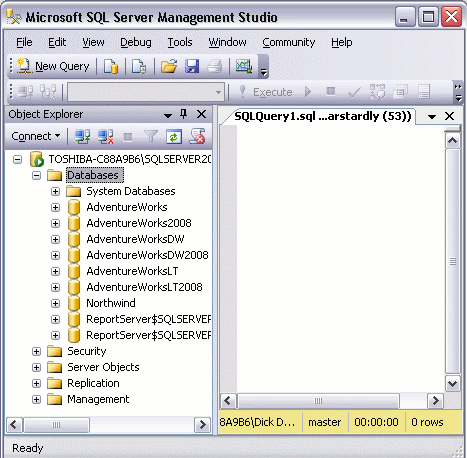
SQL Server 2008 Tutorial
This tutorial uses SQL Server 2008.
If you're still using SQL Server 2008, this is the tutorial for you.
SQL Server 2000 Tutorial
This SQL Server 2000 tutorial was written a really long time ago!
Check out what SQL Server used to look like. Or if you're still using SQL Server 2000... maybe it's time to think about an upgrade!
More Database Tutorials
-
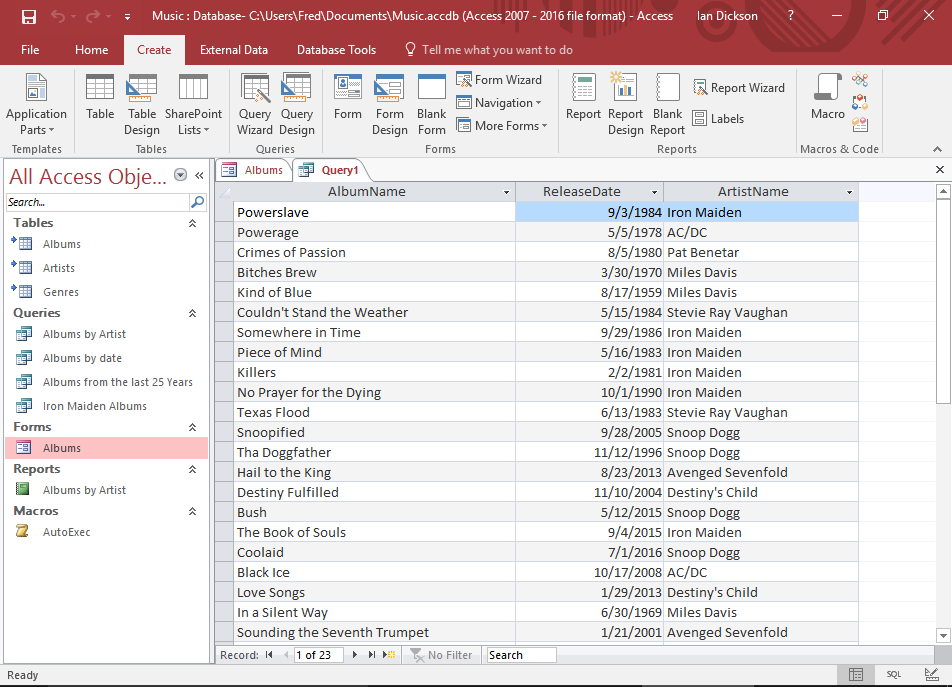
Database Tutorial for Beginners
This database tutorial provides an overview of databases and how they work.
No technical knowledge is required. It assumes you've never used a database before but would like to know more about they work.
Go to Database Tutorial -
SQL Tutorial
Being a relational database management system, MySQL supports SQL (Structured Query Language).
The above MySQL tutorial covers some SQL, but I've also written a tutorial specifically for SQL.
Go to SQL TutorialBonus! If you prefer having a whole tutorial on a single page, check out my SQL tutorial for beginners over at database.guide.