CSS Color
CSS describes how color and opacity is applied to HTML documents.
This section of Quackit presents the various color properties, keywords, and functions that developers can use to apply colors to websites.



CSS Gradients
Explains and demonstrates how to apply a background gradient to an HTML element.
Create linear gradients and radial gradients, and add as many color stops as you need.
CSS Color Properties
accent-colorbackground-colorbackgroundborderborder-bottom-colorborder-colorborder-left-colorborder-right-colorborder-top-colorbox-shadowcaret-colorcolorcolor-schemecolumn-rulecolumn-rule-colorfilterforced-color-adjustopacityoutline-coloroutlineprint-color-adjustscrollbar-colortext-decorationtext-decoration-colortext-emphasis-colortext-shadow
CSS Color Values
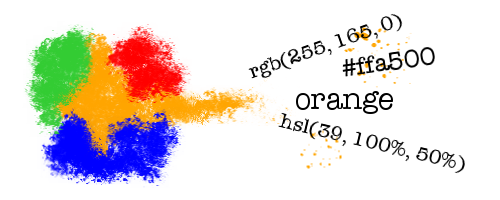
- CSS Named Colors
- CSS
transparentKeyword - CSS
currentcolorKeyword - CSS System Colors
- CSS 3-Digit Hex Codes
- CSS 4-Digit Hex Codes
- CSS 6-Digit Hex Codes
- CSS 8-Digit Hex Codes
- CSS
rgb()Function - CSS
rgba()Function - CSS
hsl()Function - CSS
hsla()Function - CSS
hwb()Function - CSS
lab()Function - CSS
lch()Function - CSS
oklab()Function - CSS
oklch()Function - CSS
color()Function - CSS
color-mix()Function - CSS
light-dark()Function
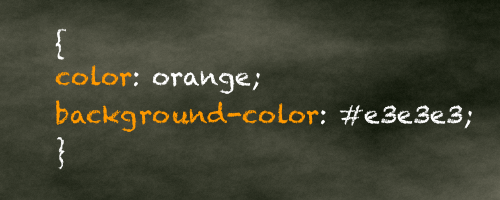
Color Tutorial
From the CSS tutorial, this article explains the basics of adding colors to websites.
Includes how to apply color to text, backgrounds, and borders. Also explains how to add transparency to your colors.
Specific Color Codes
The following articles provide code samples that you can use for your own purpose. Copy and paste the code and change it as you wish.