
Mini Contact Form Footer Template
Make it effortless for users to reach out with this footer featuring a built-in mini contact form.
This template is designed to capture inquiries and leads by placing a simple contact form in one of the most visible and consistent locations on your website, the footer. It's perfect for service-based businesses, agencies, and consultants.
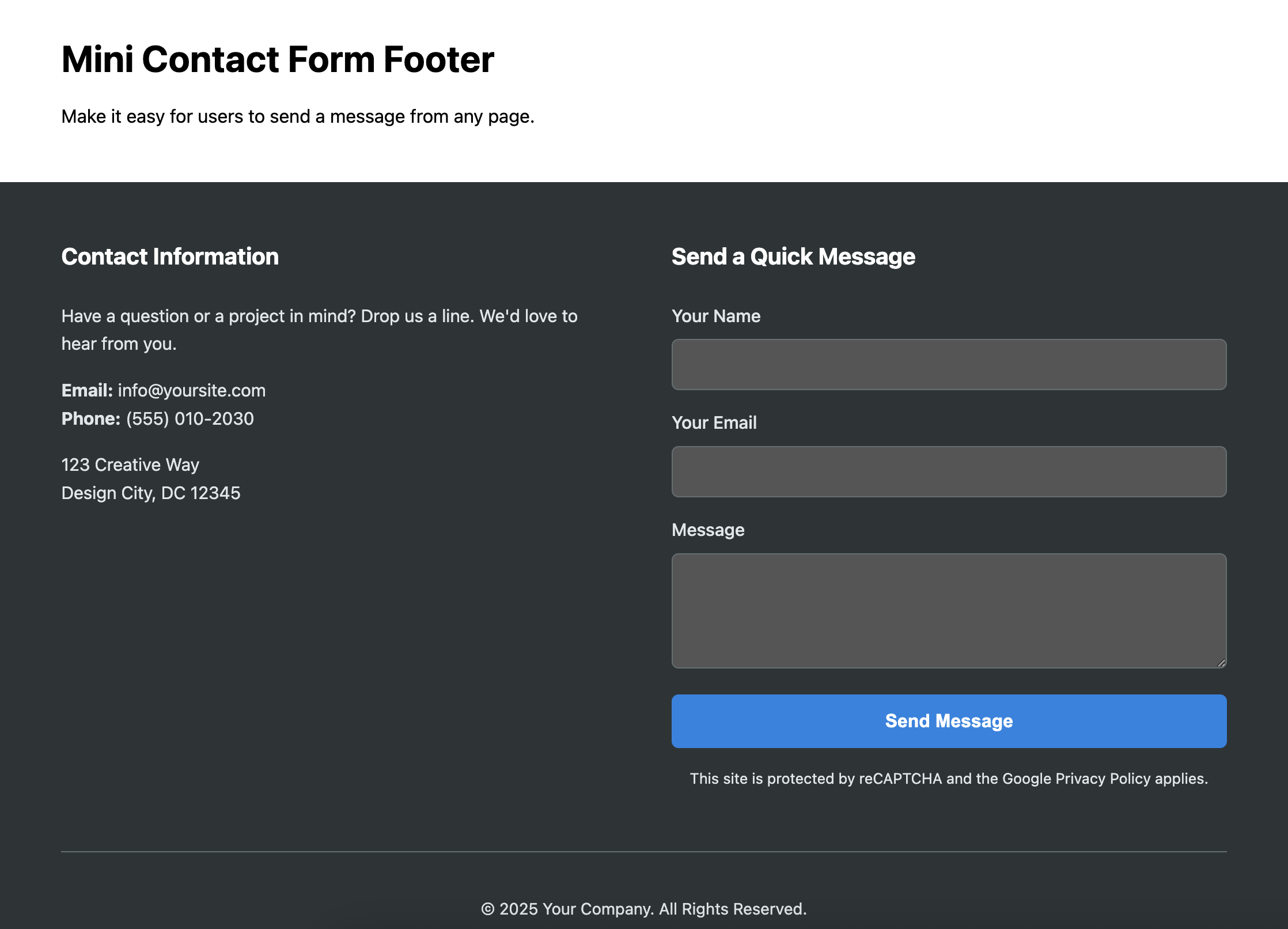
About this Mini Contact Form Footer Template
By embedding a contact form directly in the footer, you remove the need for your users to navigate to a separate "Contact Us" page. This reduction in steps can significantly increase the number of inquiries you receive. This template provides a clean, two-column layout that presents the form alongside essential company information and navigation links. The design is fully responsive and ensures the form is easy to use on any device.
Features
- Embedded Contact Form: A compact form with fields for name, email, and a message.
- Accessible by Default: Form inputs are properly associated with
labelelements for screen reader compatibility. - Balanced Layout: Uses CSS Grid to create a two-column layout that neatly balances the form with other footer content.
- Spam Prevention Note: Includes a placeholder for reCAPTCHA or other spam prevention services, which adds an extra layer of protection against spam bots and fake entries.
- Responsive Design: The columns stack gracefully on mobile screens, making the form usable on any device.
Ideal Use Cases
- Service-based businesses (consultants, contractors, etc.).
- Creative agencies and freelance portfolios.
- Corporate websites for quick inquiries.
- Any site wanting to provide a low-friction contact method.
Code Breakdown
The main section, .footer-form__main, is a CSS Grid container that defaults to a single column and switches to a two-column layout on larger screens. One column contains traditional footer links and contact details, while the other is dedicated to the form. All form elements are styled for clarity and usability. The separate .footer-form__bottom bar uses Flexbox to handle the copyright and social media links.
Note: This template provides the HTML and CSS for the form's appearance. To make it functional (i.e., to actually send emails), it must be connected to a back-end script (like PHP, Node.js, etc.) or a third-party form service (like Formspree or Formspark).
Code
Here's the full code for the footer template: