
Microsoft Access - Summary
You've reached the end of this Microsoft Access tutorial — congratulations!
What we've covered in this tutorial only scratches the surface of what's possible with Microsoft Access. The areas we covered represent the most common tasks that are performed with Access and other database management systems.
What Next?
If you are familiar with relational database design, you will be able to use your knowledge of Access to store data across multiple tables. You can then create queries across multiple tables.
One area we didn't cover in this tutorial is reporting. If you need to print out reports from Microsoft Access, you can use the "Report Wizard" tab to do this (via the "Reports" tab). You will probably find this just as intuitive as creating a form or query. As with forms and queries, you can use Design View to adjust your report.
I cover reports in the Access 2016 Tutorial.
-
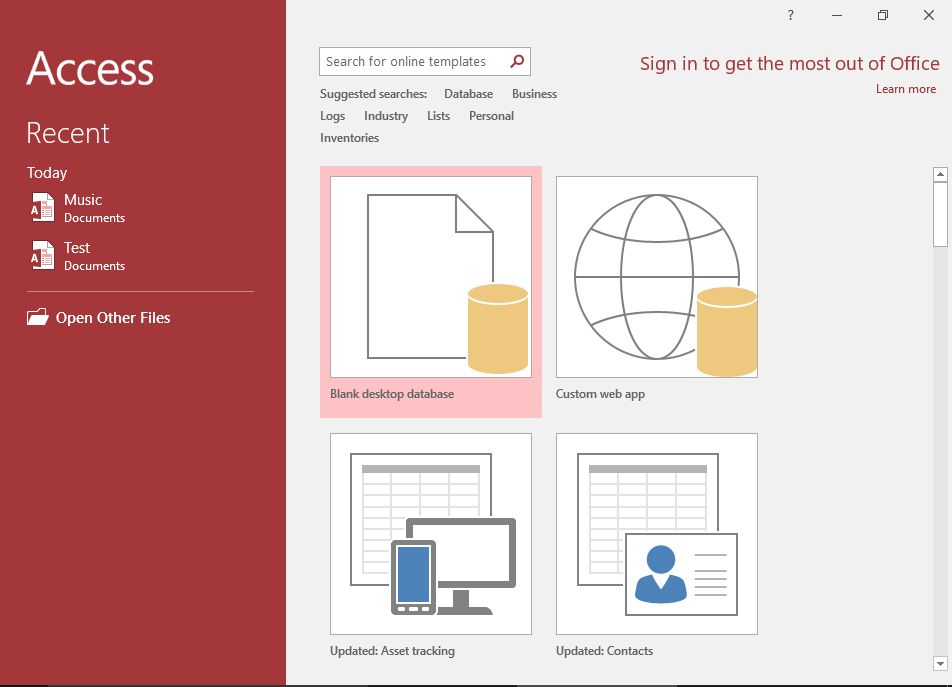
Access 2016 Tutorial
This tutorial covers a lot more than was in the 2003 tutorial.
Microsoft Access 2016 is the successor to Access 2013.
Go to Access 2016 Tutorial -
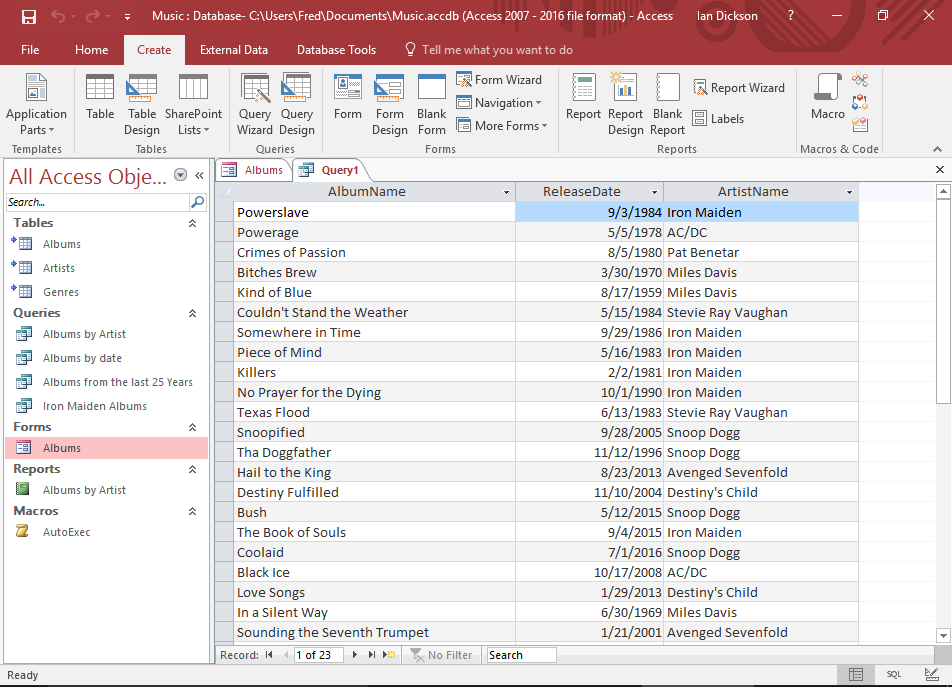
Database Tutorial
If you don't currently have an understanding of how databases work, no worries — I have written a basic database tutorial just for you!
This tutorial covers the basic concepts of databases, and the examples use Microsoft Access, so that will make it easier for you once you return to the Access tutorial.
Go to the Database Tutorial