HTML Website Templates
This page discusses HTML website templates (basically a prebuilt website where you can fill in the blanks).
One question many people ask before learning HTML is "Do I have to be good at design?".
The answer to that is "Not at all!".
OK, if you want a career building websites, it can help if you are a good designer. But, this is not essential. Many web developers either outsource their design to a professional designer, or purchase HTML website templates. They prefer to concentrate on building the actual website rather than designing the website.
An HTML website template is basically a prebuilt website, where you, the developer, can modify as required. All the HTML/CSS code and images are included in the template, and a good template will be compatible with most modern browsers.
Benefits of Using a Website Template
Here are some benefits of using an HTML website template:
- Speeds up development time: You don't need to spend hours designing your website, then converting that into code, then checking for browser compatibility etc.
- More professional looking website: Unless you're a very good designer, it will be difficult to achieve a great looking website every time. And, if you're not a good designer, your websites will reflect this.
- Learning: Using an HTML website template is a great way to learn from other developers. Once you've downloaded the template, you have full access to the code, so you can learn the tricks the developers used in achieving an effect.
- Cheap: Well, cheaper than hiring a professional designer.
Free Website Templates
Quackit provides a large selection of free website templates. You can choose from a list of simple templates, or more advanced templates depending on your level of comfort and the layout that you need.
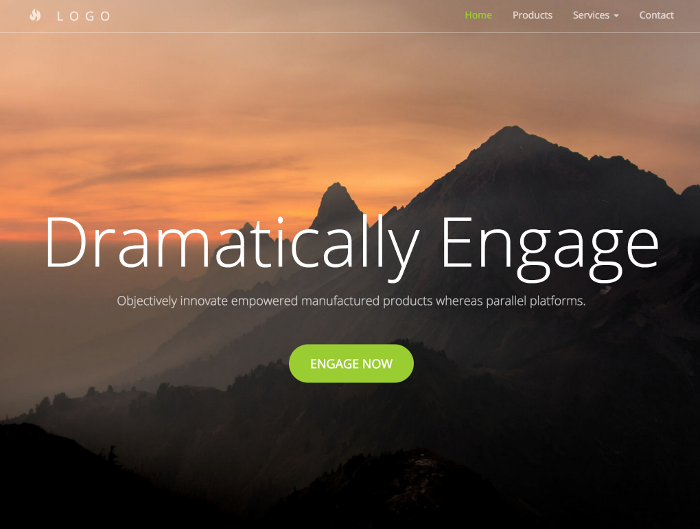
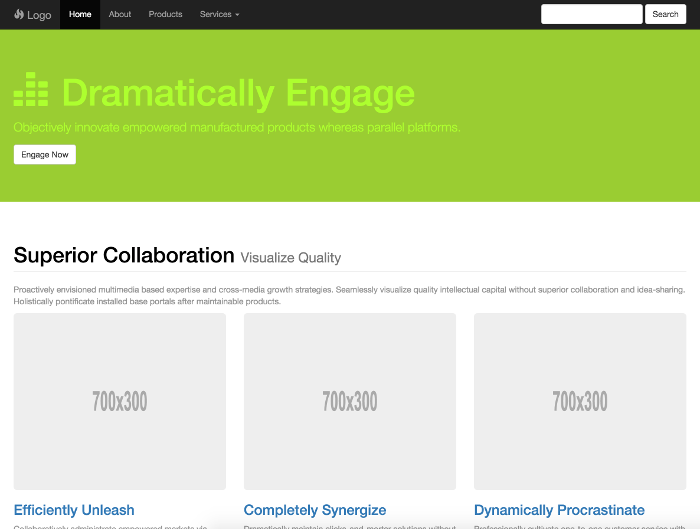
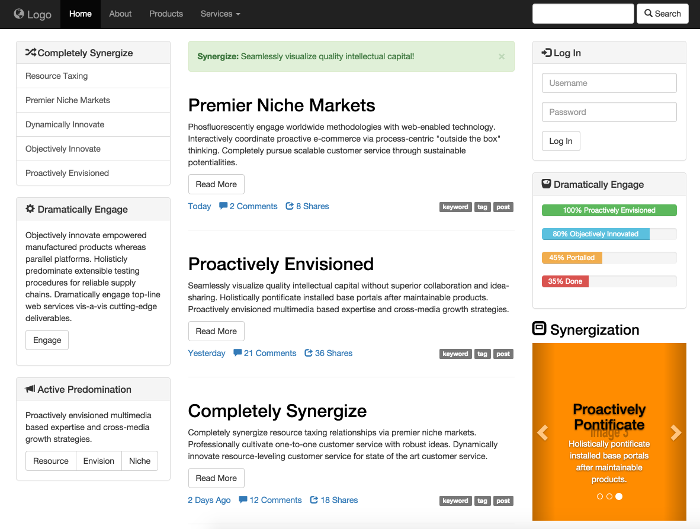
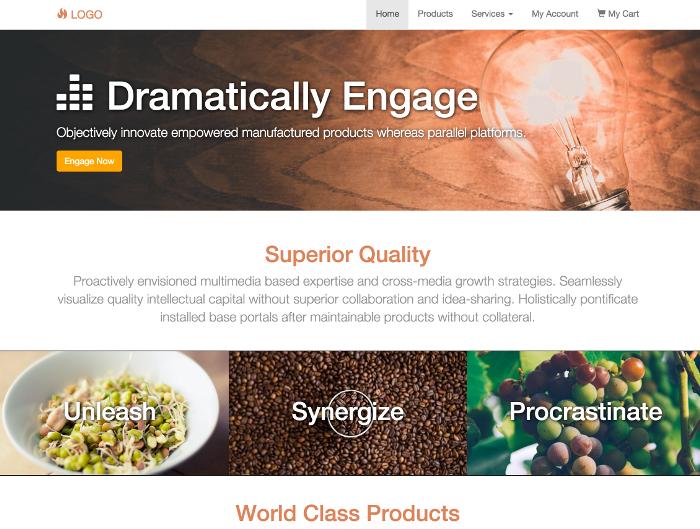
Here are some of the free templates available for download.
Layout Templates
These provide a basic webpage layout that allows you to add your own branding etc.



Website Templates
These templates are more like a finished website and are built using the (responsive/mobile-first) Bootstrap stylesheet, which can save you an enormous amount of time in building a responsive website.