
HTML Tutorial Summary
So you've made it to the end - Congratulations! You now have the knowledge required to hand code your own website.
Recap
We have covered off a lot in this tutorial. To recap:
- We started with an introduction to HTML, and what it's used for.
- We then created a basic webpage, before moving on to some of the basic tags. We learned that each tag can have different attributes, and that we can supply the value for these attributes.
- We learned that we can create hyperlinks using the anchor tag (
a) with thehrefattribute. - We embedded an image using the
imgtag with thesrcattribute, and applied several other attributes to the tag - We then learned about the importance of commenting our code to make site maintenance easier
- Armed with the above knowledge, we tackled some more advanced HTML such as image maps, tables, forms, and frames.
- We finished by learning how to extend HTML with stylesheets and scripts.
Next steps
Below is a list of reference material that I've put together over the years here at Quackit.
Go ahead and check it all out.
-
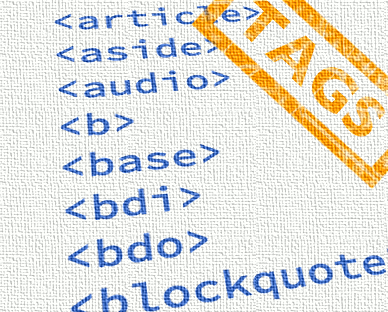
HTML Tags
Full list of all HTML elements.
This is an alphabetical list of HTML element, linking to a full page of details for each element.
All elements are based on the official HTML5 specification, and include usage notes, full attribute list, as well as links to the various specifications for each element (i.e. HTML4 spec, HTML5 spec, WHATWG spec).
Go to HTML Tags -
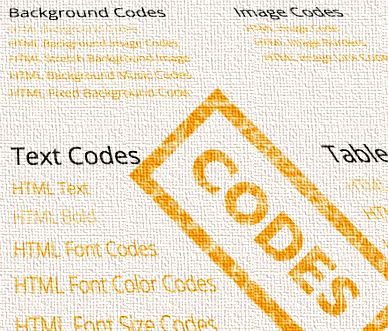
HTML Codes
Extensive list of copy/paste code examples. Copy and paste straight into your website, blog, or newsletter.
Most examples include a live, interactive preview. Change the code on the fly and see how it looks before copying it.
Go to HTML Codes -

CSS Tutorial
CSS stands for Cascading Style Sheets, and it is the standard way of styling web pages.
You can use CSS within the document (or your email newsletter), and you can use it as a stand-alone file, that is referenced by the HTML document.
CSS allows you to style any HTML element (or group of elements) in one place. It allows you to change an elements color, size, position, angle, visibility, and much more.
CSS also allows you to provide styles for screen readers — which is an important consideration for accessibility.
Go to CSS Tutorial -
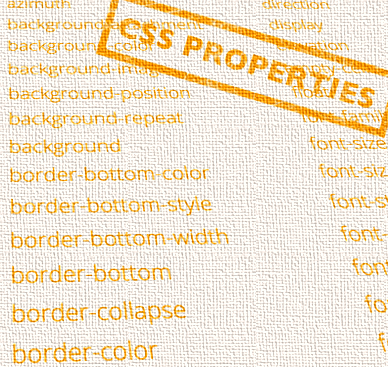
CSS Properties
Full list of CSS properties.
Alphabetical list of CSS properties as per the W3C specifications.
CSS stands for Cascading Style Sheets. CSS is the standard way to style web pages.
You can use CSS to set the style for a whole website in one place. CSS allows you to set colors, fonts, widths, heights, margins, padding, and much more.
Go to CSS Properties -

JavaScript Tutorial
Add interactivity to your web pages with JavaScript.
JavaScript is the standard scripting language for the web. It complements HTML and CSS perfectly. JavaScript provides functionality that HTML and CSS can't.
This tutorial is for beginners, so no programming experience is required.
Go to JavaScript Tutorial -

HTML Templates
Free downloadable templates that you can use to start your website from.
Responsive templates that automatically adjust their layout according to the screen size.
Includes corporate, gallery, and portal style templates.
Also fully customizable. Once you've downloaded a template, you're free to do whatever you want with it.
Go to HTML Templates