
SQL Server 2016: Insert Data
You can insert data using a number of methods. You can insert it directly, copy/paste, import, use SQL, or use an external application.
Here, we'll take a quick look at the various methods of inserting data into SQL Server.
-
Direct Input

Using this method, you enter text directly into the table using the SSMS GUI.
First, using the SSMS GUI, navigate to the table you want to enter data into.
Right-click on the table and select Edit Top 200 Rows.
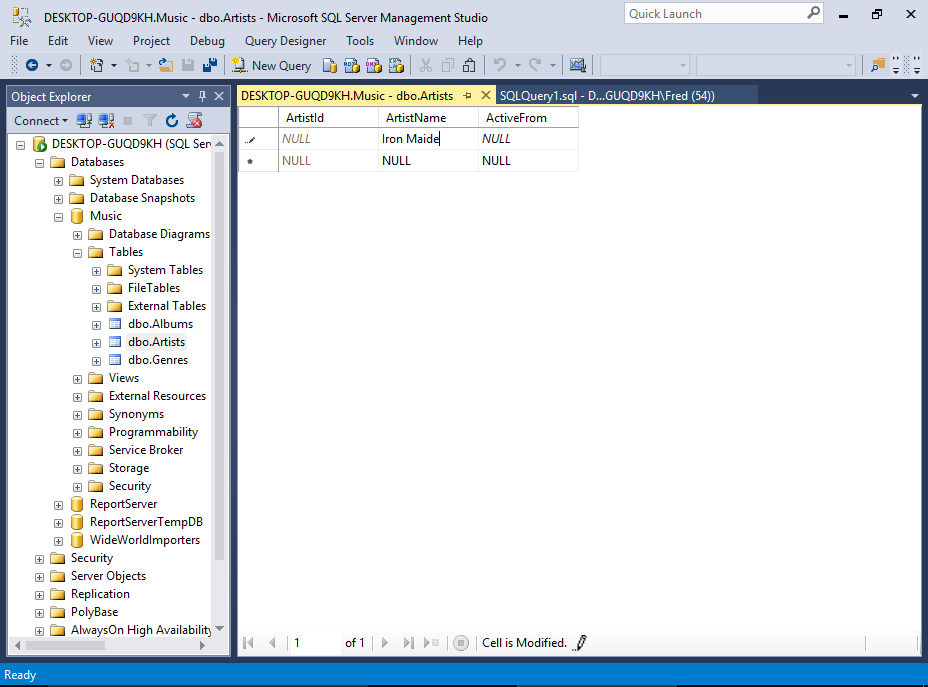
The table will open, allowing you to type data directly into the cells.
You won't need to enter data into columns with auto-generated values, such as identity columns, timestamp columns, etc.
Actually, SQL Server will usually prevent you from entering data into such columns.
-
Copy/Paste
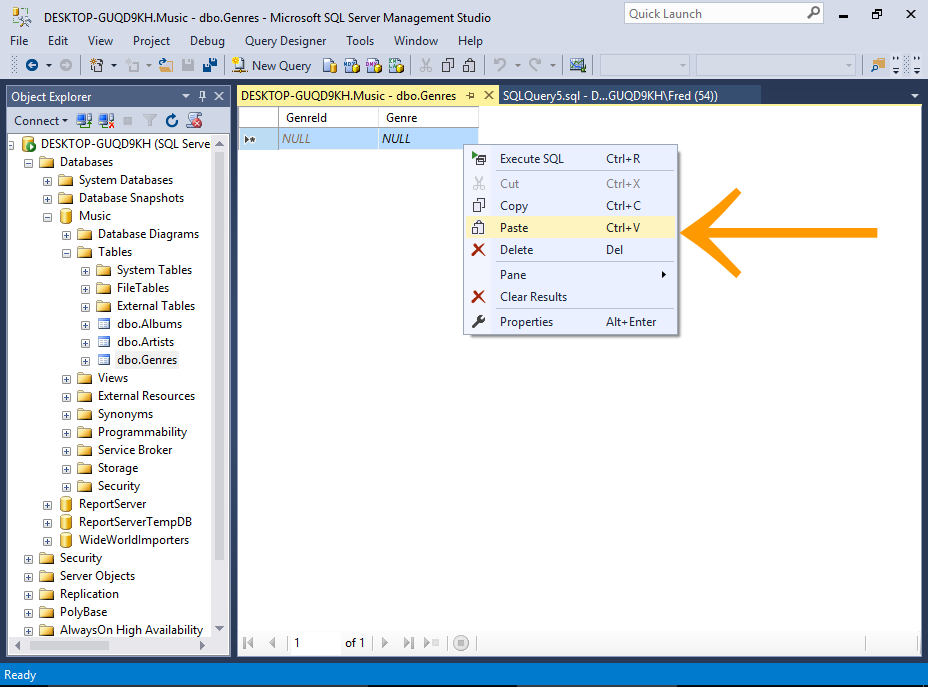
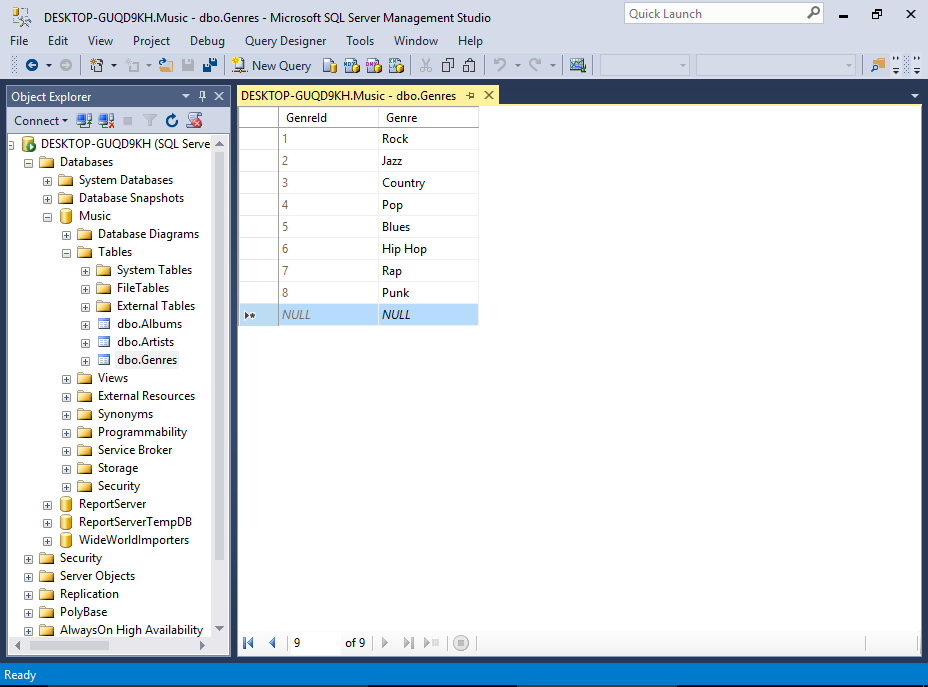
First, copy the data from the external source.
Now, switch to SSMS and open the table by using the previous method (i.e. right-click on the table and select Edit Top 200 Rows).
Once the table has opened, right-click in the document window and select Paste.
Sample Data
Copy and paste the following data into the Genres table:
1 Rock 2 Jazz 3 Country 4 Pop 5 Blues 6 Hip Hop 7 Rap 8 Punk SQL Server will ignore the first column, because it's an identity column. So if you already have records in that table, the resulting IDs for the new data will be different to the above.
-
Import Data
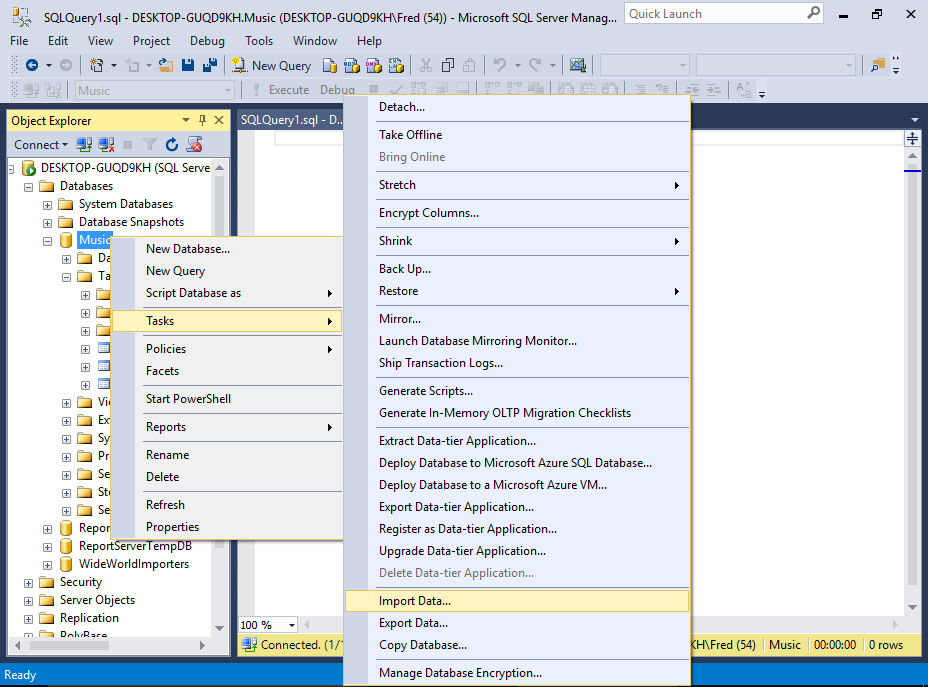
SQL Server Management Studio includes an import wizard that helps you import data into a database.
We'll be covering this method next, but here's a hint of what's to come.
Right-click on the database and select Tasks > Import Data...
More details and screenshots at Import Data in SQL Server (the next page of this tutorial).
-
Use SQL to Insert the Data
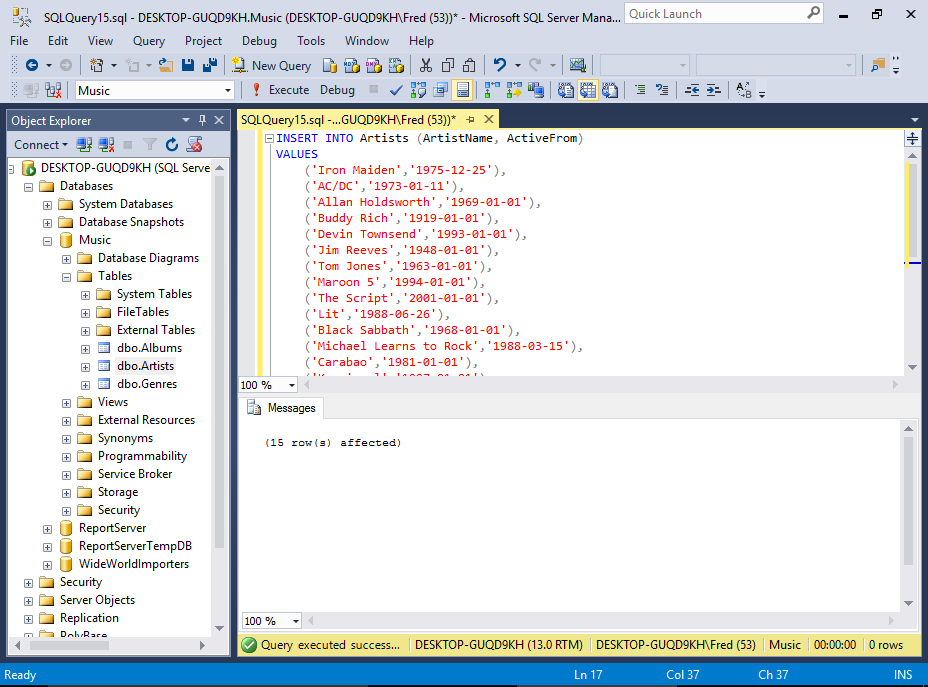
You can use the SQL
INSERTstatement to insert data into a table.To do this, open a new query window, type the SQL, then execute the statement (sample statement below).
In our case, the first column is an identity column, so we won't insert any data for that column. Therefore we need to specify the actual columns that we want to insert the data into (i.e. the table has three columns but we're only inserting two).
To insert multiple rows, there are a few ways to go about this. One way is to add multiple
INSERTstatements — one for each row to be inserted.Another way is to separate each set of values with a comma. Like our sample SQL statement below.
Sample SQL Statement
-
Website/Application
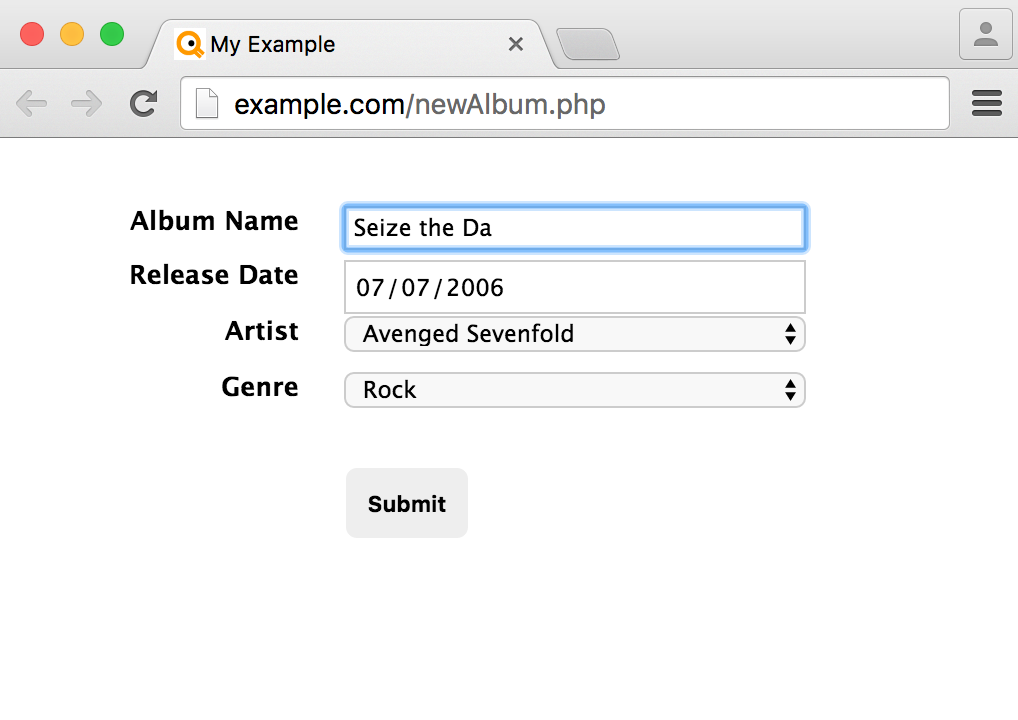
One of the most common methods of adding data to a client/server database like SQL Server is via an application.
The application could be anything, from a corporate CRM to a customer facing website. Data is added to SQL Server via the application, which generates the code to insert the data into the database.
This method is similar to the above SQL method, because most applications generate SQL code in order to insert data into the database. The same applies when reading from the database.