SQL Server - Views
Note that this tutorial uses the 2000 edition of SQL Server (SQL Server 2000).
For the latest version, see SQL Server tutorial.
In SQL Server, a view is a pre-written query that is stored on the database. A view consists of a SELECT statement, and when you run the view, you see the results of it like you would when opening a table. Some people like to think of a view as a virtual table. This is because a view can pull together data from multiple tables, as well as aggregate data, and present it as though it is a single table.
Benefits of Views
A view can be useful when there are multiple users with different levels of access, who all need to see portions of the data in the database (but not necessarily all of the data). Views can do the following:
- Restrict access to specific rows in a table
- Restrict access to specific columns in a table
- Join columns from multiple tables and present them as though they are part of a single table
- Present aggregate information (such as the results of the COUNT function)
Creating a View
You create a view by using the CREATE VIEW statement, followed by the SELECT statement.
Example:
Modifing a View
You can modify an existing view by using using ALTER instead or CREATE.
Example:
Running a View
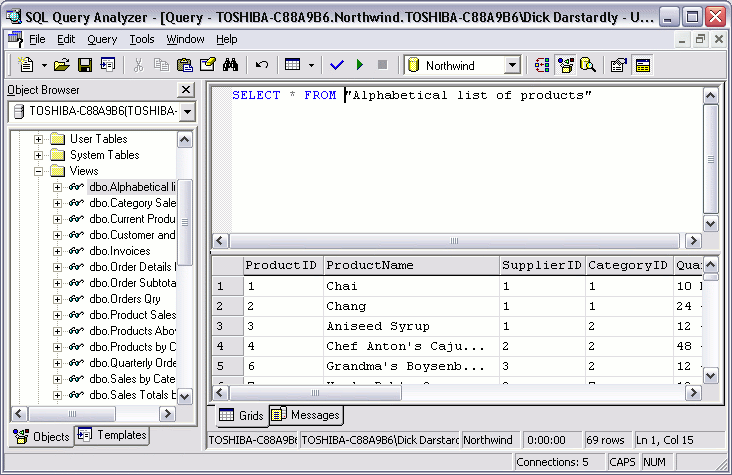
You run a view by using a SELECT statement.
Running the above view results in this: